A practical guide to AI bots on Discord
What AI bots can actually do in a Discord server, how to pick one, what to avoid, and how to roll one out without annoying everyone.
AI bots have gone from novelty to standard furniture in Discord servers. The good ones answer questions, summarize threads, moderate spam, and stay out of the way. The bad ones flood your chat with hallucinated nonsense or hold features behind a paywall. This is a guide for picking and rolling out one that pulls its weight.
What an AI bot is good at
The capabilities that actually pay off, in roughly the order they show up in real servers:
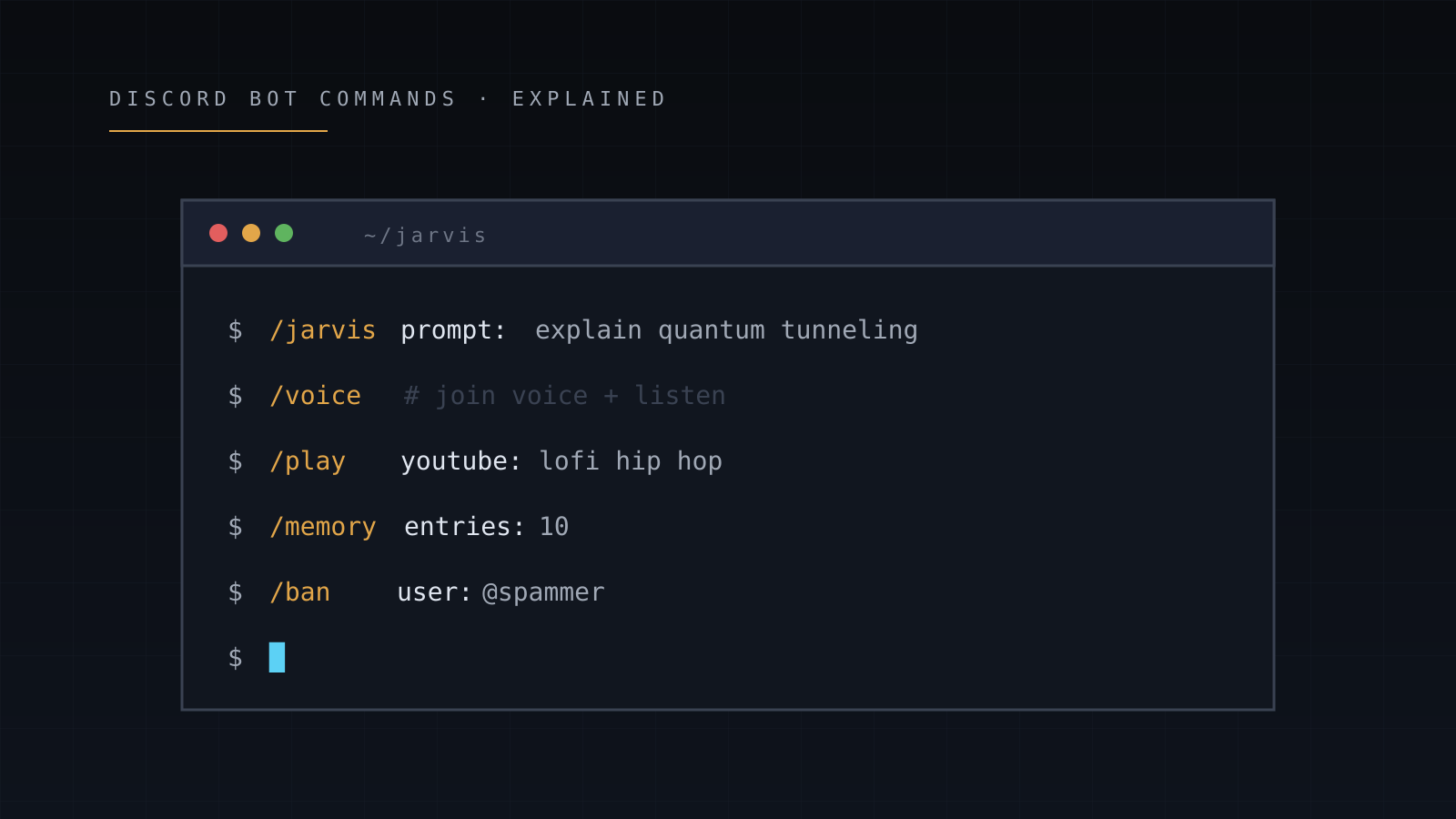
- Quick answers. "What's the timezone for UTC-4 right now?" "Convert 12 cups to liters." "What does this code error mean?" The bot is faster than asking a human, and the latency is the whole point.
- Conversation memory. A bot that remembers context across messages is dramatically more useful than one that resets every turn. You can ask it to remember your timezone or pronouns once and stop repeating yourself.
- Voice channel replies. Hands-free chat with the bot while you're on voice with friends. Works for asking questions mid-game, summarizing what someone just said, or settling debates.
- Music playback. Old territory for Discord bots, but worth bundling with the AI bot so you're not running four separate ones.
- Moderation automation. AutoMod-style keyword filtering, plus structured
/timeout,/ban,/kickflows. The AI part doesn't matter much here; what matters is that it's a single bot doing both.
- Image and text generation. Captioning images, generating quote cards, summarizing long threads. Nice to have, rarely the reason you install the bot.
What an AI bot is bad at
Worth knowing the ceiling before you over-promise to your server:
- Real-time facts. Most bots don't browse the web. If you ask "what's the score of the Cubs game right now?" you'll usually get a polite "I don't know."
- Long persona roleplay. General-purpose AI bots break character within a few turns. If you want roleplay, get a roleplay-specific bot.
- Judgment about server context. AutoMod can catch slurs in a keyword list. It can't tell when someone's quoting a song lyric versus actually being toxic.
- Replacing human moderators. Same point worth repeating. AI is a force multiplier for mods, not a substitute.
What to look for when picking one
Three things matter more than any feature checklist:
Pricing. Some bots are aggressively freemium - basic chat works, but voice, memory, or higher-quality models sit behind a $5–$15/month subscription. Decide upfront whether you're willing to pay. Free options exist; Jarvis is one.
Privacy model. Read the policy. The two questions: how long does the bot keep your messages, and is there a way to delete them on demand? "30-day retention, /clear wipes instantly" is reasonable. "We may retain data indefinitely" is not.
Provider diversity. A bot locked to one model goes down when that one provider has an outage. A bot with a rotating pool stays up. This is a quiet reliability difference that doesn't show up in feature comparisons.
Rolling out without annoying your server
The fastest way to make people hate a new bot is to dump it in the main channel with no rules. The fastest way to make them love it is to lock it down first.
- Create a dedicated channel.
#ai-chator similar. Even if you plan to allow the bot everywhere later, start narrow. - Lock the bot to that channel. Most bots support a channel-restriction command (Jarvis uses
/channel set). This prevents accidental triggers in unrelated channels. - Optionally gate by role. If you only want certain members to use it, restrict by role. Useful for community servers where AI access is a perk.
- Announce the rules. A pinned message in
#ai-chatsaying "this is the AI bot, mention @Botname or use /command, don't spam, here's how to opt out of memory." Sets expectations. - Watch the first week. See who's using it and what for. Adjust restrictions based on real usage.
What to skip
A few things you'll see advertised that aren't worth caring about:
- "Powered by GPT-5 / Claude X / latest model." Cool, but a slower frontier model is worse than a faster solid one for chat. The user experience comes from latency, not benchmark scores.
- "Custom AI training on your server." Almost always marketing. The bot isn't fine-tuning a model on your data - it's just storing a context buffer, the same as the free options.
- Web dashboards. Nice if they exist, not a dealbreaker if they don't. Most config can be done through slash commands.
Where Jarvis fits
Jarvis is the bot the AGIS team builds. It's free, runs the multi-provider routing approach mentioned above, ships voice and memory by default, and doesn't have a premium tier. See Getting started for the setup walkthrough, or Commands reference for the full toolkit.
If Jarvis doesn't fit your needs, that's fine - the guide above applies to any AI bot you pick.